Reviews matter.
Make sure your
Airbnb is ready.
Your cleaner photographs each room. The AI returns Guest Ready or Not Ready, with the exact items to fix.
See a sample reportA real inspection result. No account, no credit card.
- 1Cleaner photographs the room
- 2AI checks it vs your standard
- 3Guest Ready or Not Ready
2 items need attention
Only one towel on the rack; the standard calls for two folded in thirds.
Confidence 87%
Closer look needed: photograph the nightstand from about a metre back.
2 items need attention
Only one towel on the rack; the standard calls for two folded in thirds.
Confidence 87%
Closer look needed: photograph the nightstand from about a metre back.
One verdict, and the exact items behind it.
Every walkthrough ends on a single answer, with the specific items that produced it, on the phone in your hand. The rooms below are illustrative; the verdicts, the flagged items and the phone view are what the app returns.
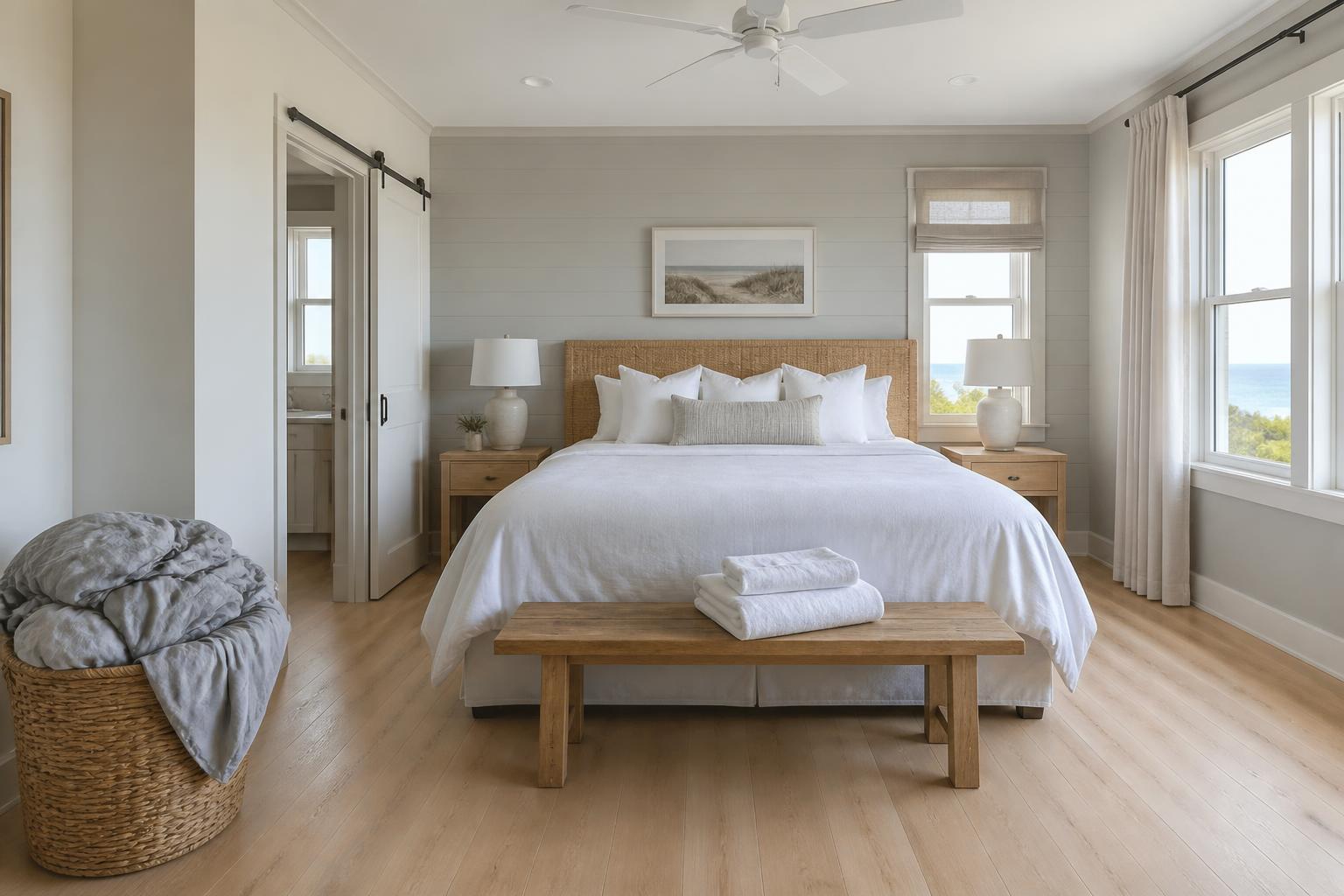
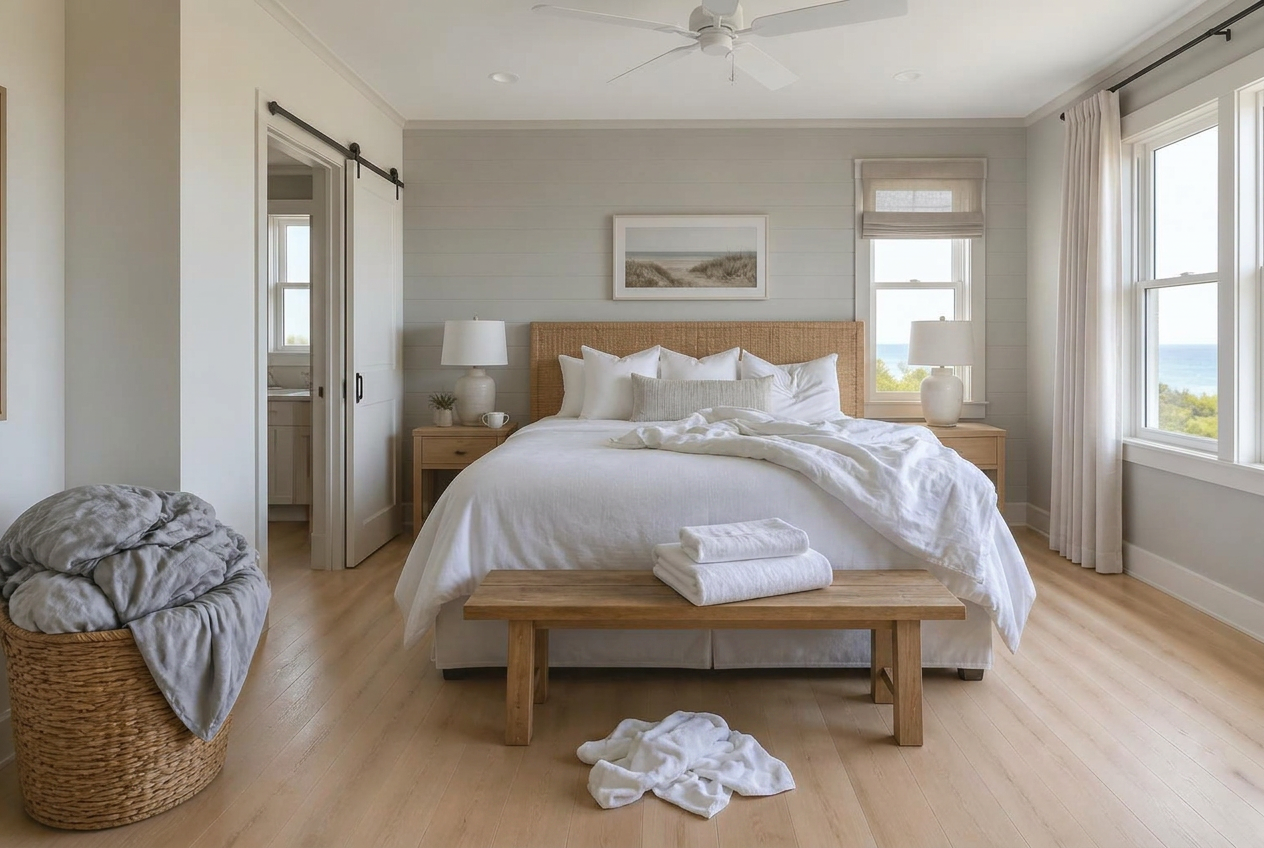
Set up once. Then it runs every turnover.
- 1Step 1
Set your standards
Define what "ready" means for each room, in your own words. Nothing generic: this is your property, not a template.
- 2Step 2
Photograph each room as it should look
Take reference photos and describe "correct" in a few words. This is exactly what the AI is told to check against.
- 3Step 3
Your cleaner walks the room
They photograph each room after they clean. If anything needs extra attention they have a chance to correct it.
- 4Step 4
Green light: Guest Ready
One tap and you see the verdict: Guest Ready, or Not Ready with the exact items to fix if any.
Define “ready” once, reuse it forever
A standard is your room, photographed the way it should look. Set it up on a slow afternoon and every future turnover gets checked against it.
- A reference photo plus a plain-English description per item: “two white towels, folded in thirds, no stains”
- Categories covering beds, towels, toiletries, consumables, tableware, appliances, surfaces, floors, waste and anything a guest left behind
- Organised as properties → rooms → checklist items, so a second villa reuses what you already wrote
A walkthrough, not a checklist
You create your cleaner on the Team page and send them a link; they set a password once, then just photograph each item. No signup form, no app store, no training session.
- Opens the phone camera directly, so there is no uploading and no file picker to explain
- A running “6 of 8 photographed” count, so nobody has to remember what they have done
- One tap checks every item at once, in parallel, instead of one slow question at a time
- Saved as a draft as it goes, so a dropped signal does not lose the walkthrough
An answer you can trust from anywhere
You are not in the room. The verdict has to carry enough evidence that you do not need to be.
- One headline, Guest Ready or Not Ready, then the specific items to fix
- Every flag comes with a reason and a confidence score, not just a red mark
- Reference photo and captured photo side by side, so you can judge the call yourself
- Full inspection history with a per-item attempt log of every retake
- Manager, employee and admin roles, with staff scoped to the properties they are assigned
Every category covers something that actually goes wrong between guests
Cleanliness is the quiet lever behind every great listing.
More 5-star reviews
Cleanliness is the most-mentioned topic in guest reviews. Consistency is what turns a good stay into a glowing one.
Time back every week
Stop driving over to "just check". This is the walkthrough you would have done yourself, at every single turnover.
Proof, not promises
Every flagged item shows your reference photo beside the one taken this turnover, with a reason and a confidence score. You judge the call yourself.
It asks for a closer look instead of guessing
“A false ‘pass’ or false ‘fail’ costs the owner’s trust more than saying ‘uncertain.’”
A checklist app that is confidently wrong is worse than no checklist at all. Once you have driven out to a property over a false alarm, you stop believing the next alert. So when a photo is blurry, too far away, or does not clearly show the item, the answer is not a guess. It is a specific request: photograph the nightstand from about a metre back. Your cleaner re-shoots that one item and the verdict updates in place.
Stop taking “it looks fine” on trust
Set up one room, run one walkthrough, and see whether the answer matches what you would have said standing in the doorway.
Free sample scan. No account needed.
Built for the people who aren’t in the room.
The common thread is distance: you are responsible for how a property looks at 3pm, and you are not standing in it.
Owners with one to three places
You know exactly how the flat should look because you set it up. The problem is that knowledge lives in your head, and the person cleaning it has never seen it staged.
Your standard, written down once and checked every turnover.
Small hotels and guesthouses
Ten rooms that should be identical, cleaned by different people on different shifts. Consistency is the whole product, and it is the first thing to slip on a busy changeover.
One standard per room type, applied the same way every time.
Co-hosts managing for other people
It is not your property and not your reputation on the line. It is your client's, which makes "I think it's fine" an uncomfortable thing to say to them.
Photo evidence on every verdict, ready to forward.
The people who stopped driving over.
“I stopped driving over between guests. My cleaner takes the photos, I get the verdict on my phone. That's the whole thing.”
“The 'uncertain' feature is what sold me. It doesn't guess, it asks for a better photo. I trust it because it knows when it can't tell.”
“On busy changeover days with three rooms turning over, consistency is everything. One standard, checked the same way every time.”
Questions worth asking first
How does the AI check actually work?+
You define each room once: a reference photo of every item plus a sentence describing what "correct" looks like. During a turnover your cleaner photographs the same items, and each new photo is compared against your reference and your description. Every item comes back pass, fail or uncertain, with a reason and a confidence score.
Do my cleaners need to install anything?+
No. The walkthrough runs in whatever browser is already on their phone. Tapping an item opens the camera directly, so there is no upload step and nothing to talk them through.
Can I use my own cleaning checklist?+
It is the only option, and that is deliberate. There is no template to start from. You write what "ready" means for your property, so the comparison is against your standard rather than a generic idea of a tidy room.
What happens when something fails the scan?+
The review screen shows a Not Ready verdict with the specific items that need attention, each with the reason, a confidence score, and your reference photo beside the one just taken. Anything unclear can be re-shot on the spot and the verdict updates in place. You also get a notification in the app when a room is walked and when it comes back with a verdict. There is no email or SMS alert — everything stays inside the app.
What if I manage multiple properties?+
Properties hold rooms, and rooms hold checklists, so a second villa reuses the structure you already built. Staff are scoped to the properties you assign them to and see nothing else.
What happens if a photo is blurry or taken from too far away?+
The item comes back "uncertain" rather than pass or fail, with a specific instruction for what to show instead. One tap re-shoots that item, and the rest of the walkthrough is not repeated.
Can I use video instead of photos?+
Not today. Reference photos and inspection photos are single stills, one per checklist item. Continuous video walkthroughs are a known gap, not a shipped feature.
What does it cost?+
Three memberships, billed monthly or annually. Monthly is $29 for Owner (one property), $59 for Operator (up to five) and $149 for Portfolio (up to twenty). Paying annually costs $199, $349 and $699 respectively, which saves 43%, 51% and 61% against twelve monthly payments. Founding pricing is held until December 31, 2026. Every plan includes 60 verification photos per property. Seeing a sample report is free and needs no account; running walkthroughs against your own standards needs a membership.
One room today. Every turnover after that.
Define one room today. The next turnover gets checked against it automatically.
Free sample scan. No account needed.